

Collaboration with structure
Microsoft 365
for Jira

What is Microsoft 365 for Jira?
Microsoft 365 for Jira is an Atlassian Marketplace app by yasoon. It connects Jira and Jira Service Management with Microsoft Teams, Outlook, Calendar, Meetings, and To Do. Create Jira work items from Teams conversations and Outlook emails. Keep communication linked to Jira, and automate recurring workflows across both platforms.
Work across connected tools
Create and update Jira work from Microsoft Teams and Outlook without manually copying information between applications.
Keep communication linked
Connect Teams conversations, Outlook emails, and meetings to the related Jira work item or JSM request.
Standardize recurring workflows
Use templates, Presets, and automation to create consistent communication workflows across projects and service processes.
Features in Microsoft 365
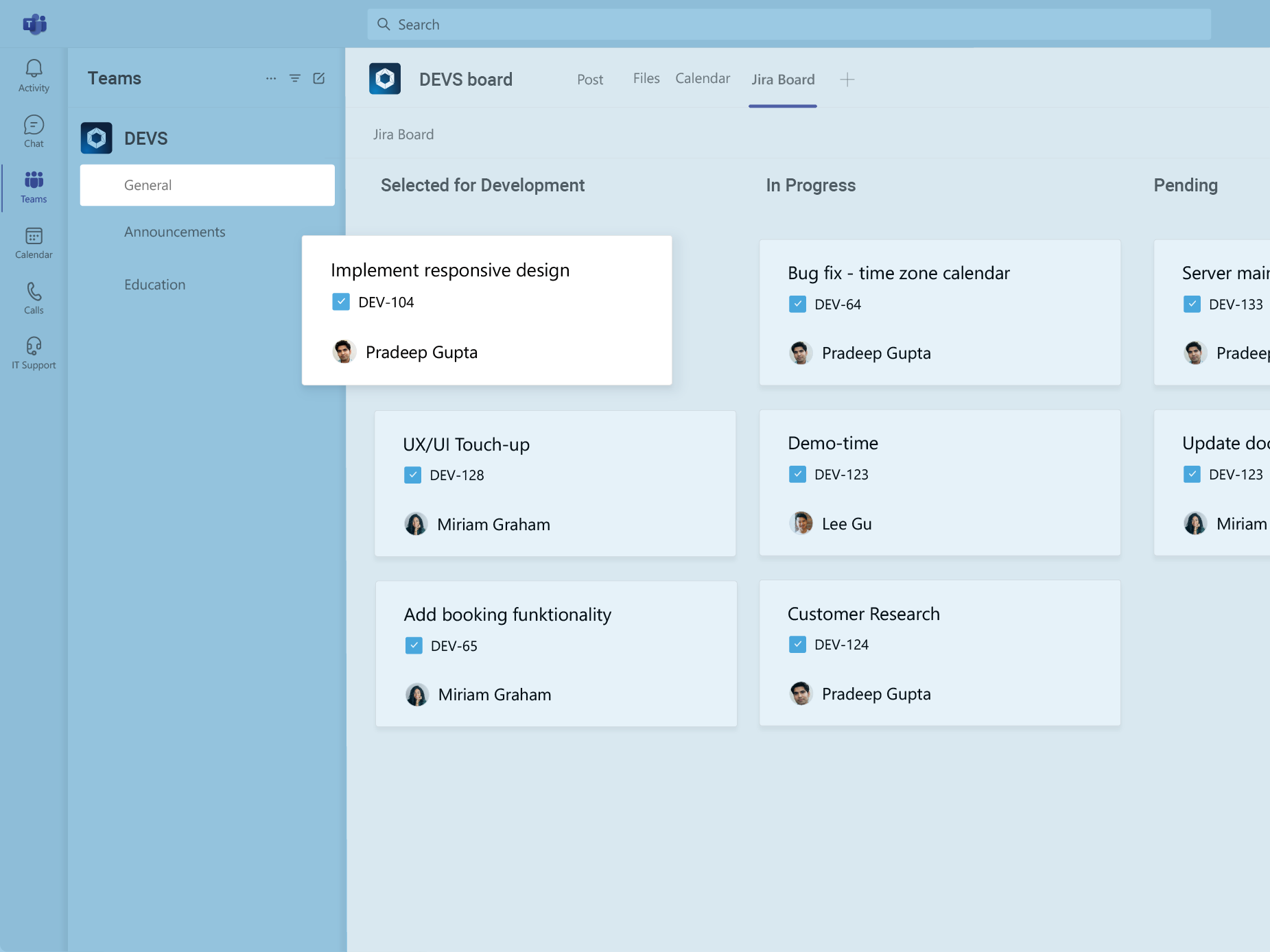
Work with Jira boards in a Microsoft Teams tab
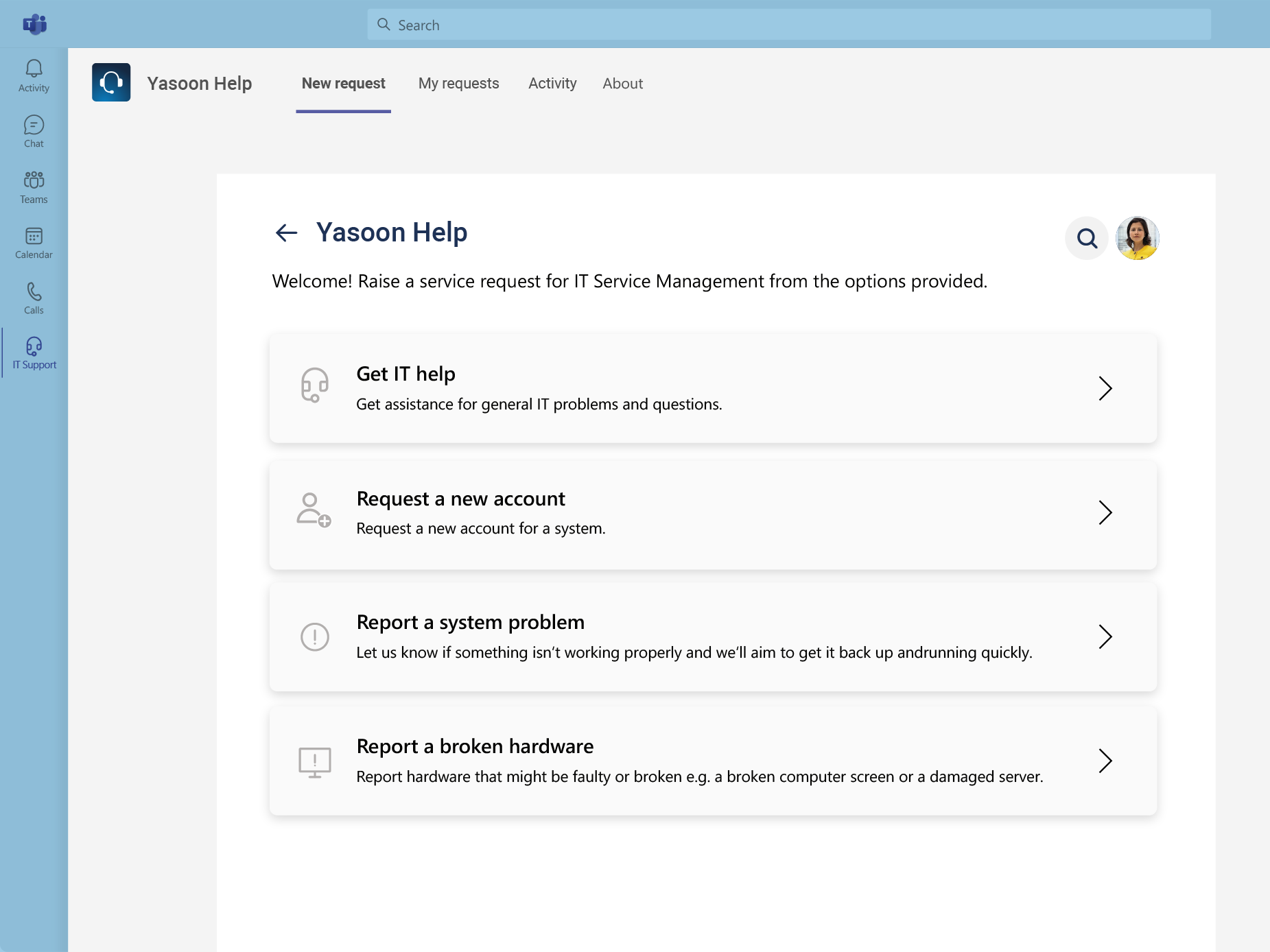
JSM customer portal in Microsoft Teams
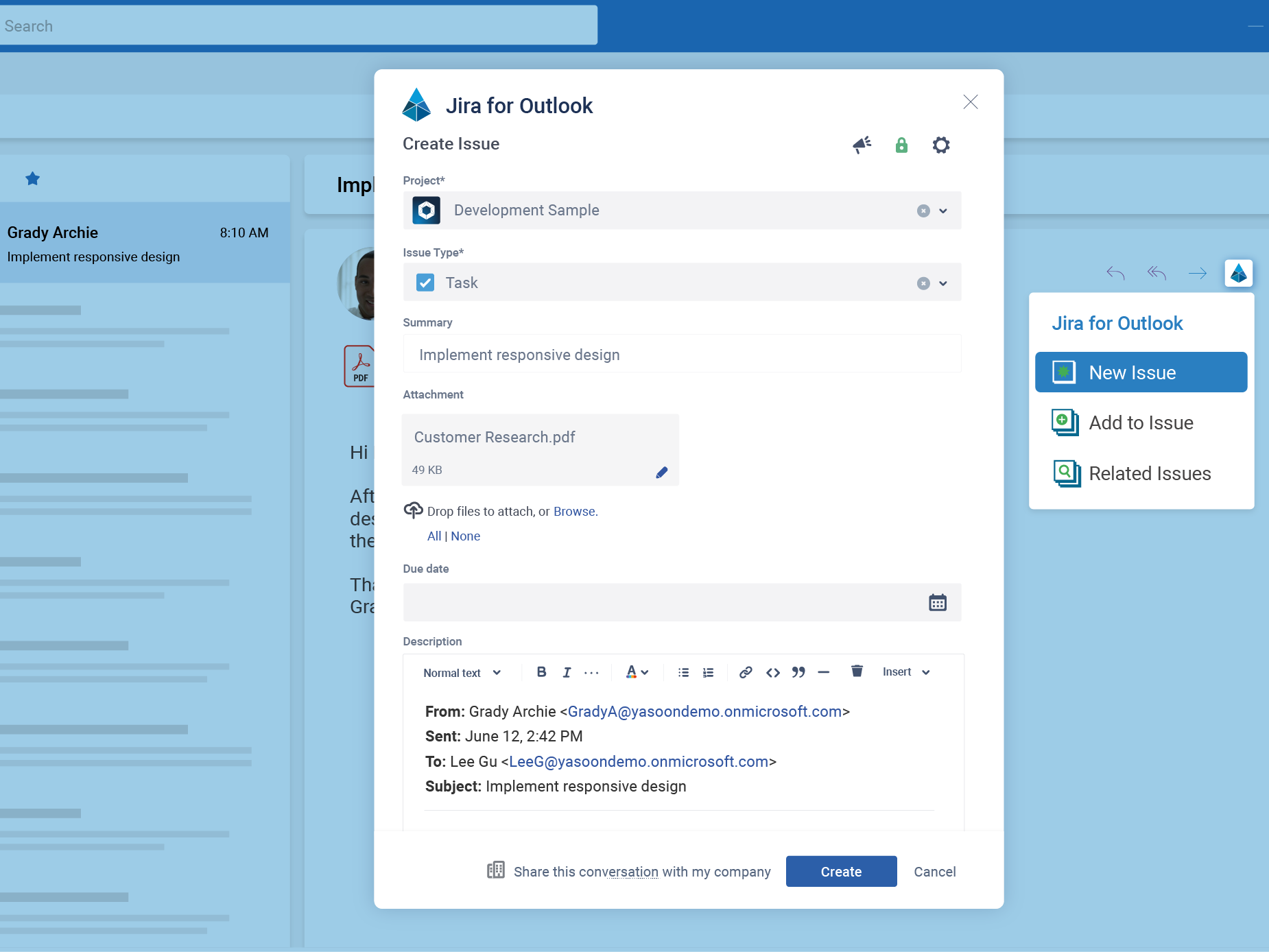
Create Jira issues from Outlook emails
Sync your Jira issues in Microsoft To Do
Work with Jira boards in a Microsoft Teams tab
JSM customer portal in Microsoft Teams
Create Jira issues from Outlook emails
Sync your Jira issues in Microsoft To Do

Which teams benefit from the integration?
Microsoft 365 for Jira is designed for organizations that manage and plan work in Jira but communicate through Microsoft 365. It is useful when technical teams, business departments, and service customers need to collaborate across different tools.
Teams don’t have to invent a communication model. It’s built into the workflow.
Want to learn more?
IT service management and support teams
Make the JSM customer portal available in Teams, create requests from Teams messages or Outlook emails. Keep customer and internal conversations connected to the relevant request.
Software development and DevOps teams
Connect Teams discussions with epics and work items. Share sprint or release updates, coordinate incidents, and schedule project meetings without separating communication from delivery work.
Cross-functional teams and stakeholders
Let Jira users and Microsoft 365 users collaborate around the same work item. Stakeholders can receive relevant information in Teams or Outlook, while delivery teams retain Jira workflows, ownership, and reporting.
Jira, meet Microsoft 365
One app for team-centric work
This short video showcases the main features of Microsoft 365 for Jira. Connect Outlook, Microsoft Teams, and To Do with Jira to seamlessly work with the tools you need. Collaborate with all your colleagues and effortlessly get your tasks done.

Some of our customers