

Microsoft 365 for Jira
Schedule meetings in Jira
Schedule Microsoft Teams and Outlook meetings in Jira. See all calendar availabilities of users involved and send meeting requests based on their Outlook calendar dates.
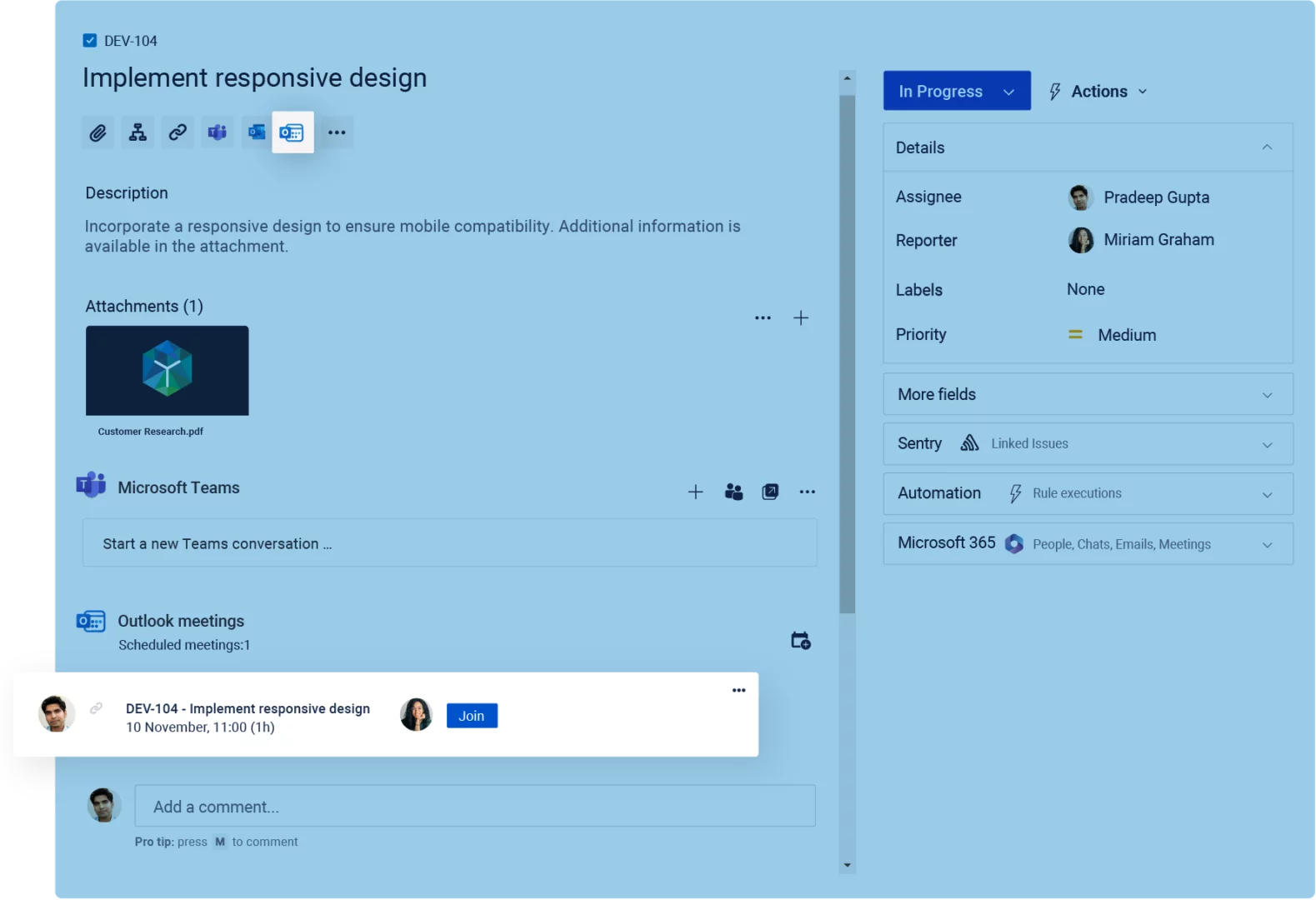

What is Outlook meetings for Jira?
The Outlook meetings integration connects Microsoft Outlook with Jira and Jira Service Management through Microsoft 365 for Jira, an app available on the Atlassian Marketplace. For example, users can schedule Outlook or Microsoft Teams meetings from Jira, check participant availability, and invite the relevant people. In addition, meeting details remain linked to the related Jira work item or JSM request. As a result, teams spend less time switching tools while keeping scheduling context connected to their work.
Features in Jira
Send Outlook meeting requests in Jira
See meeting availability of relevant users
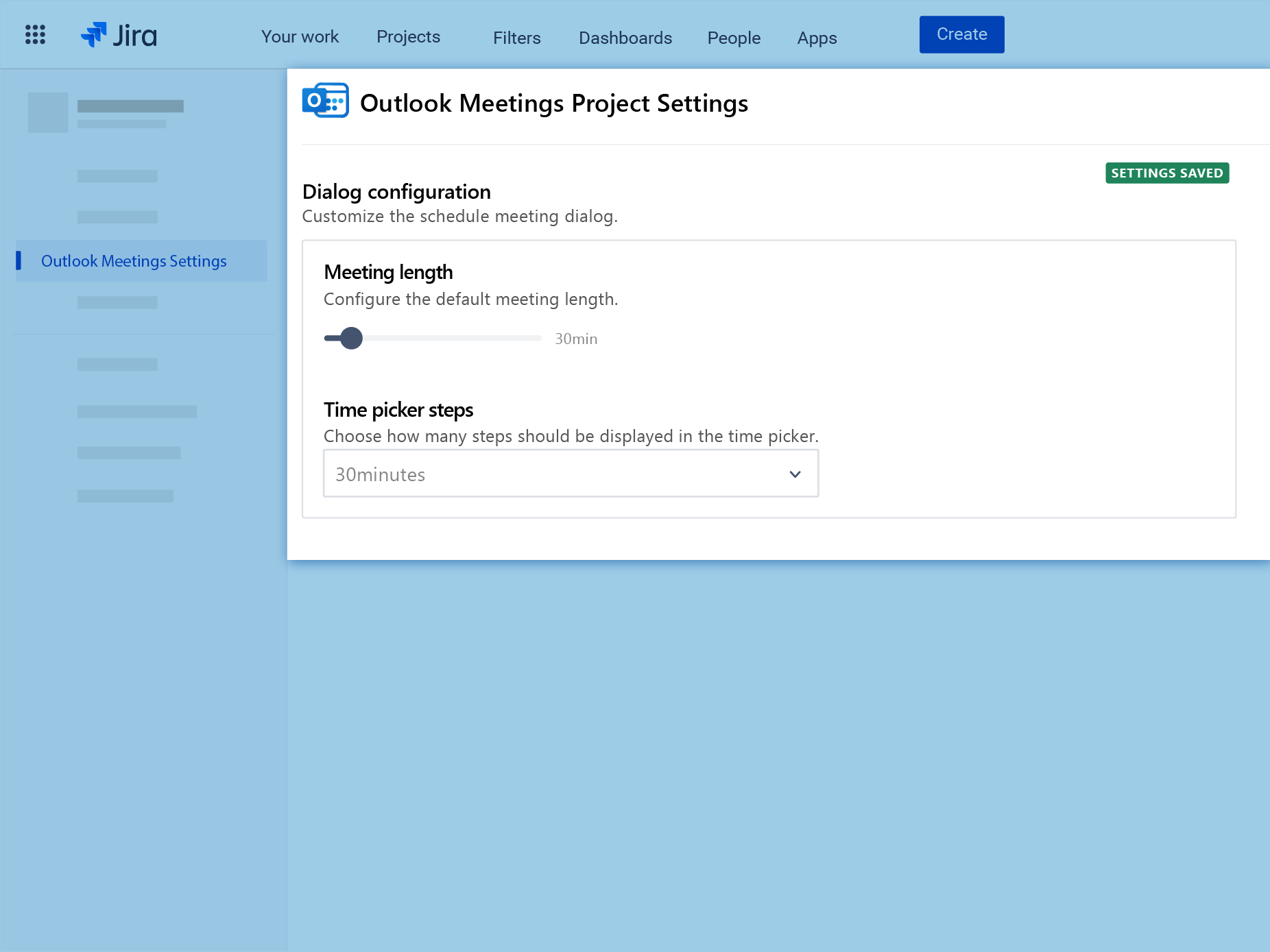
Configure the app UI to your needs
Send Outlook meeting requests in Jira
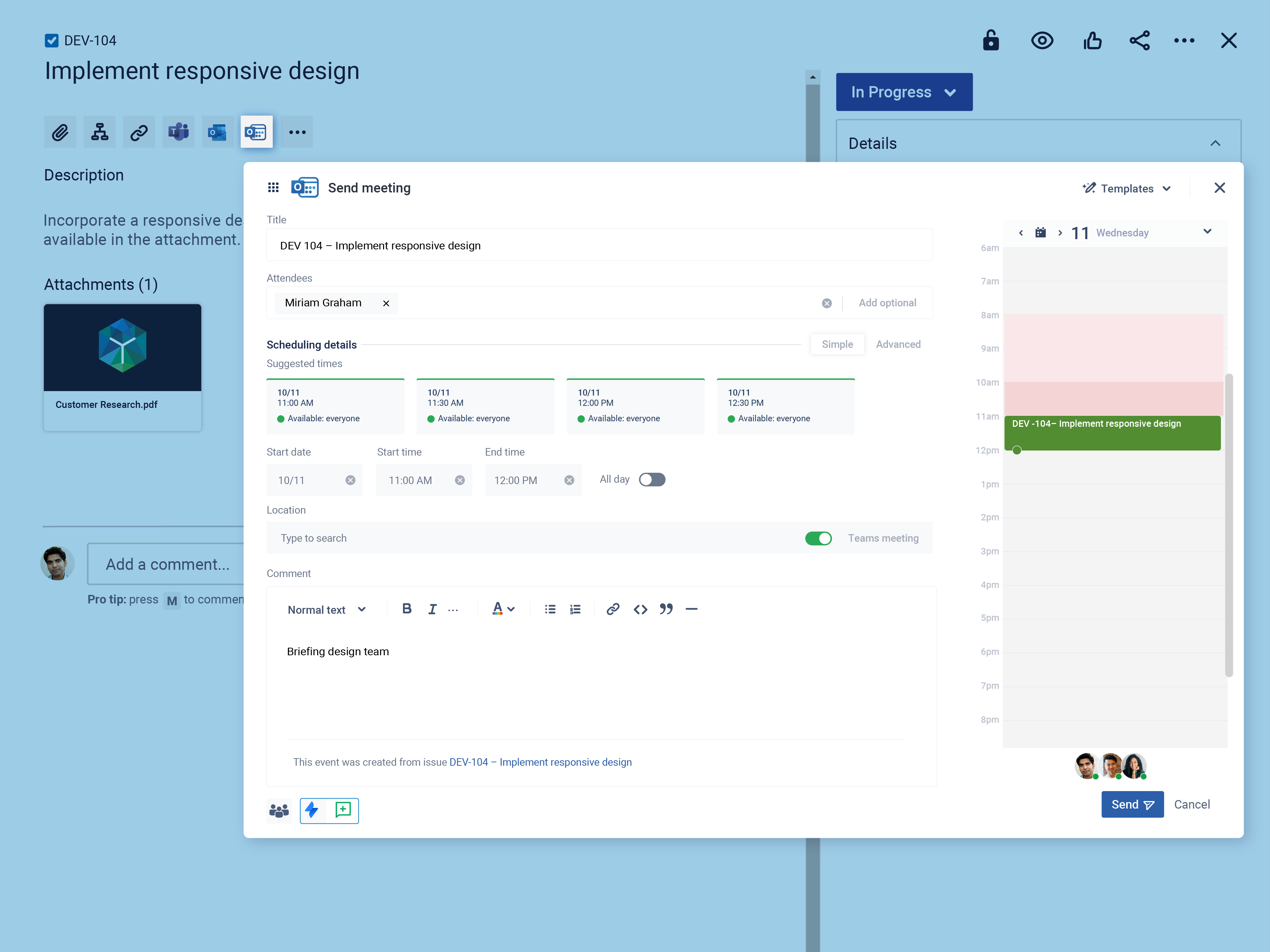
See meeting availability of relevant users
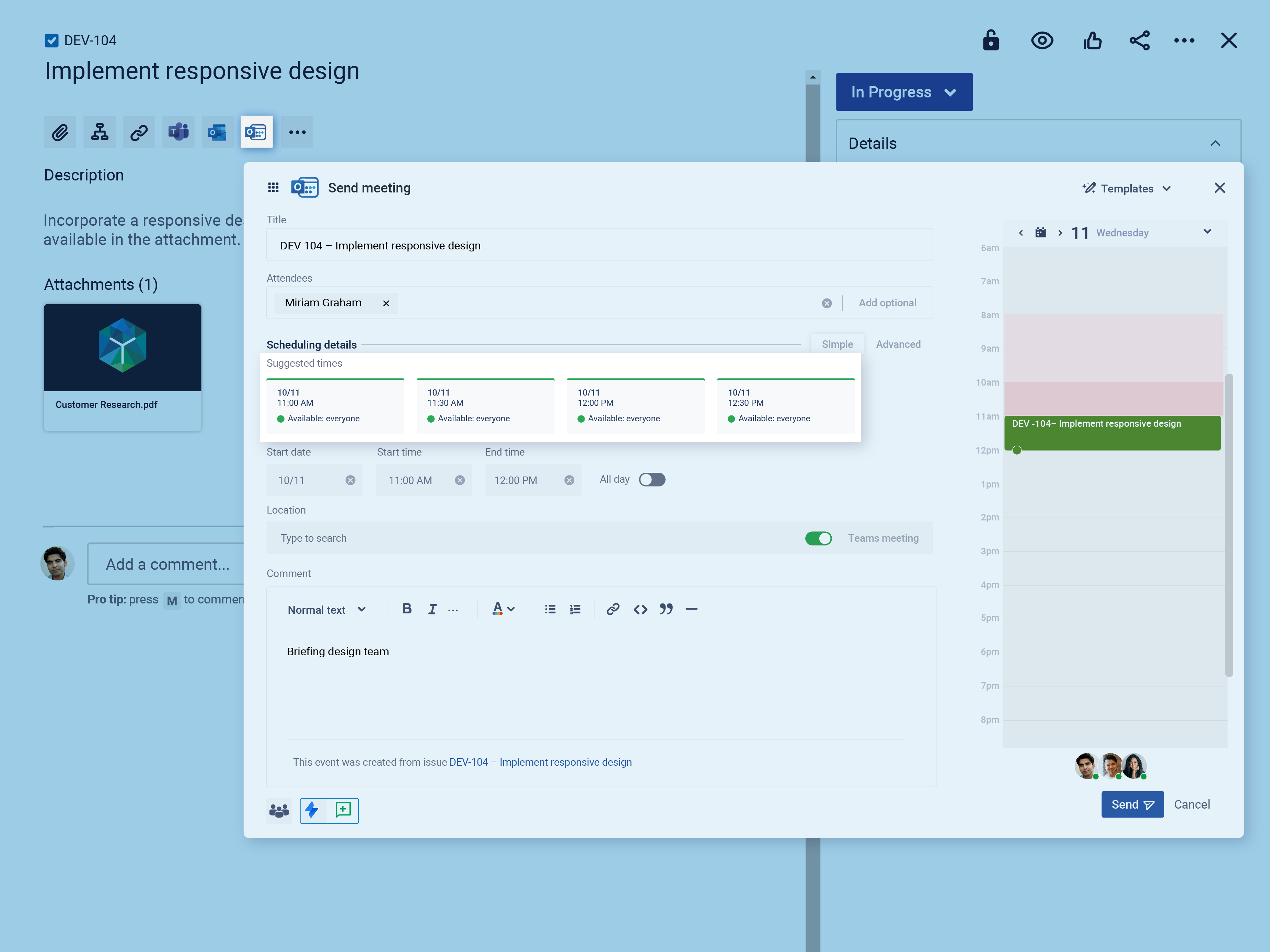
Configure the app UI to your needs
Who benefits from Outlook meetings for Jira?
Outlook meetings for Jira is designed for teams that manage work in Jira but schedule collaboration through Outlook or Microsoft Teams. As a result, meeting details and work context remain connected.
Want to learn more?
IT service management teams
Schedule support calls or follow-up meetings from JSM requests. Therefore, agents can keep appointment details connected to the relevant request.
Agile and project teams
Plan project syncs, sprint reviews, or stakeholder meetings from Jira while checking participant availability. In addition, meeting details remain linked to the relevant work item.
HR and recruitment teams
Coordinate interviews, onboarding sessions, and internal meetings from Jira. Consequently, participants and scheduling information remain connected to the process.
Outlook meetings
Easy scheduling in Jira
Learn more about scheduling Outlook meetings with Jira in this short video. Microsoft 365 for Jira helps you to easily schedule a meeting from Jira or Jira Service Management. Explore all features in depth and find out if Microsoft 365 for Jira is the right fit for you.